

One app for everyone who keeps a society running
Nivora replaces the noticeboard, the visitor register, and the maintenance spreadsheet with one role-based app, for the committee, the residents, and the watchman at the gate.
- Real roles: committee, residents, and security, each with their own experience
- Visitor and gate access, bills, notices, complaints, and amenities in one place
- Built on a multi-tenant platform, with per-society data separation by design


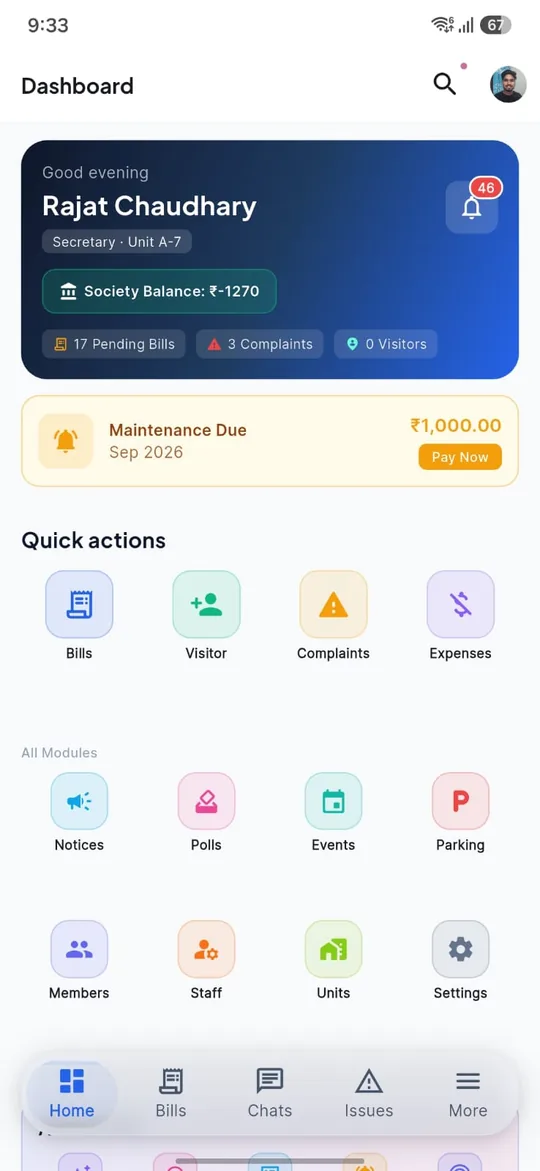
A residential-society operating system, not just a resident app
Every unit, every resident, and every staff member sits under one society account, with the app itself changing shape depending on who's signed in: committee, resident, or watchman.
Built for everyone who keeps a society moving
Three real roles, verified from the app itself, each with its own nav, its own permissions, and its own reason to open the app.

Committee & Management
Chairman, Secretary, Treasurer, Manager
The people who run the society day to day, approving requests, collecting dues, and keeping residents informed.
- Approve visitor and gate-pass requests
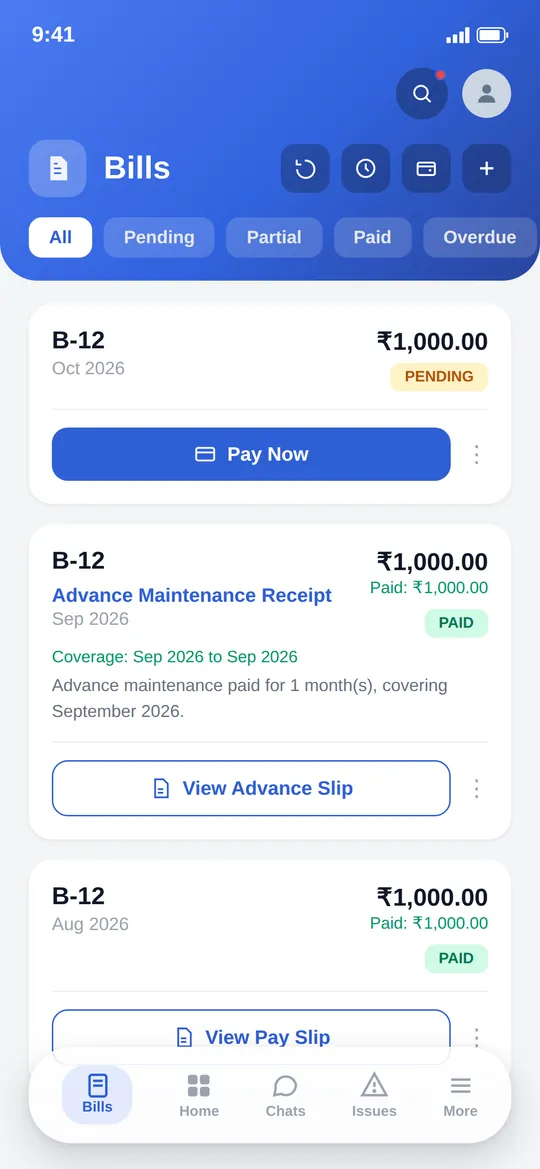
- Raise and track maintenance bills, with UPI collection
- Publish notices and run resident polls

Residents & Members
Members and Residents
Everyone living in the society, handling the everyday things that used to mean a call to the office or a note on a noticeboard.
- Pay maintenance bills
- Invite visitors with a QR-code gate pass
- Book shared amenities

Watchman & Security
Watchman
A deliberately short, focused nav, built for the gate rather than the back office.
- Scan and approve visitor QR codes at the gate
- Log gate passes
- Manage parking
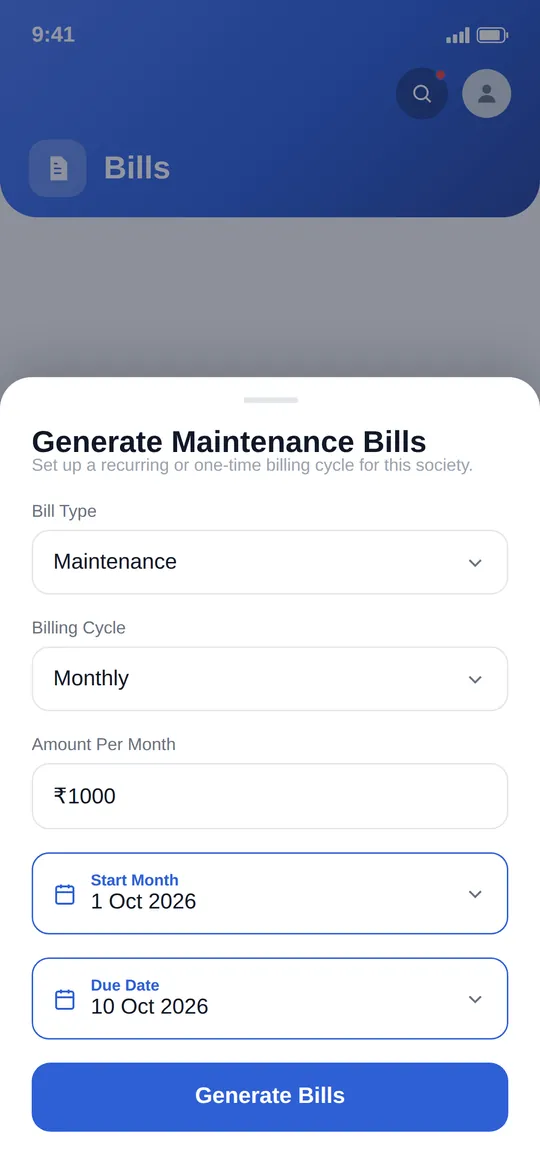
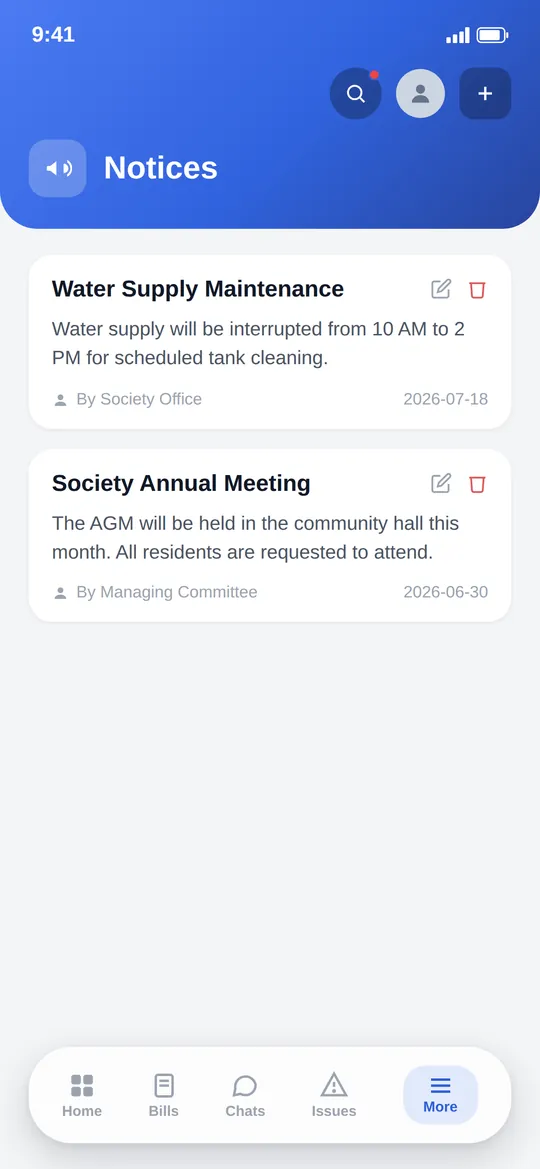
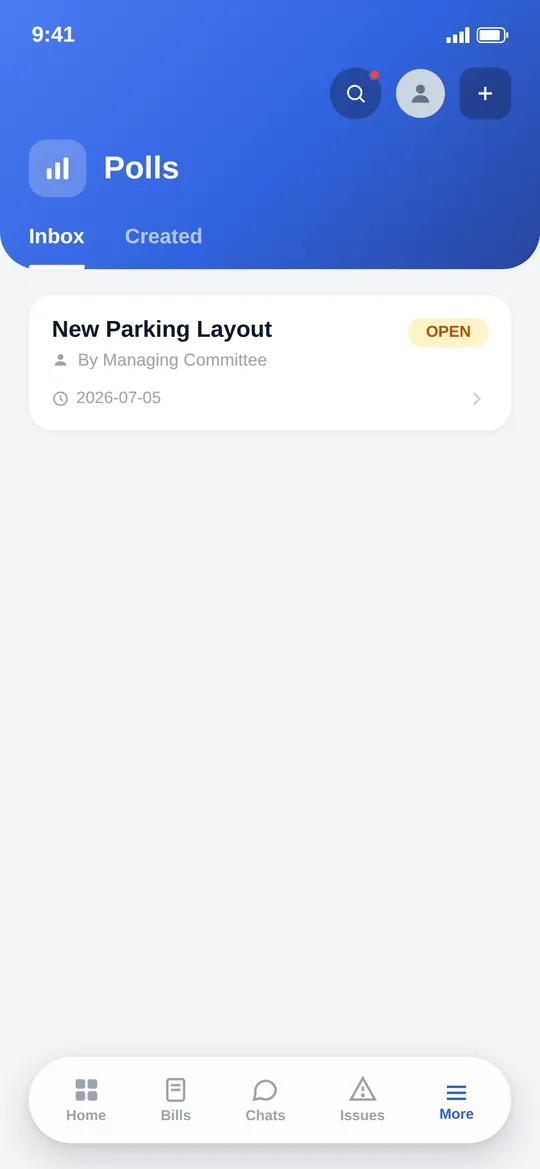
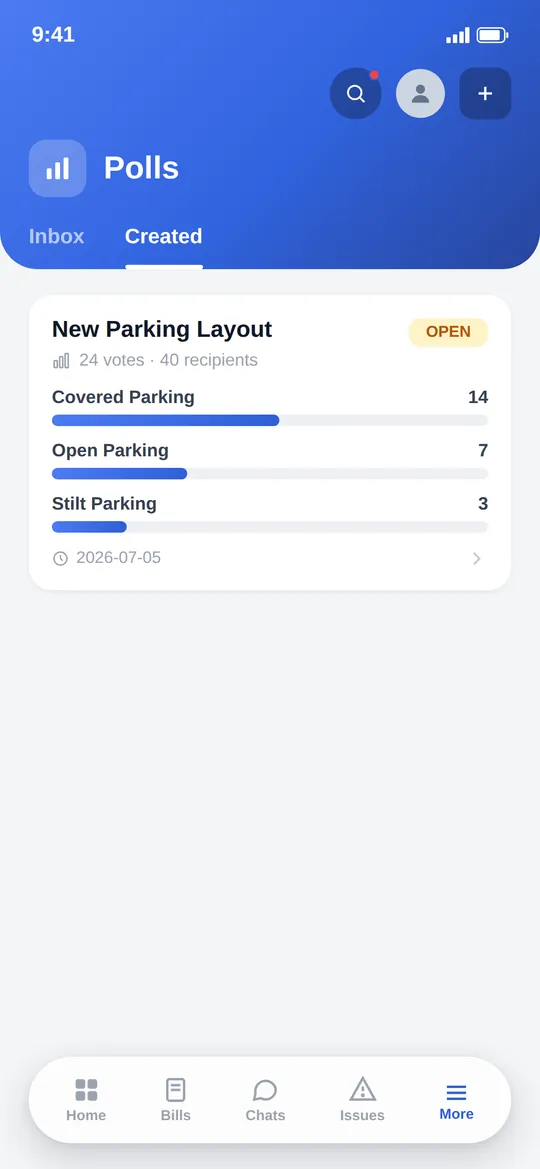
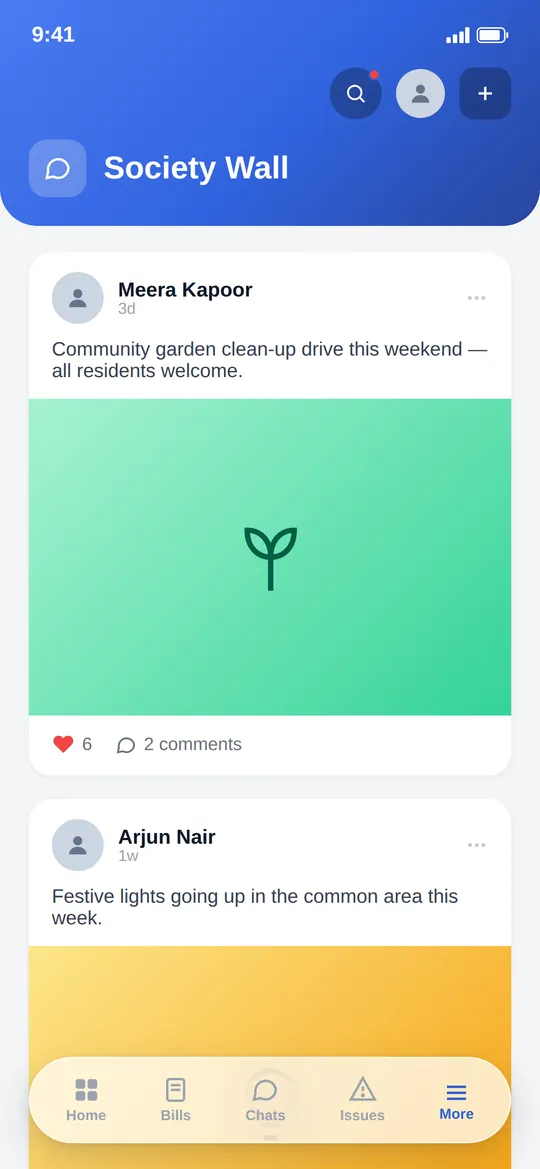
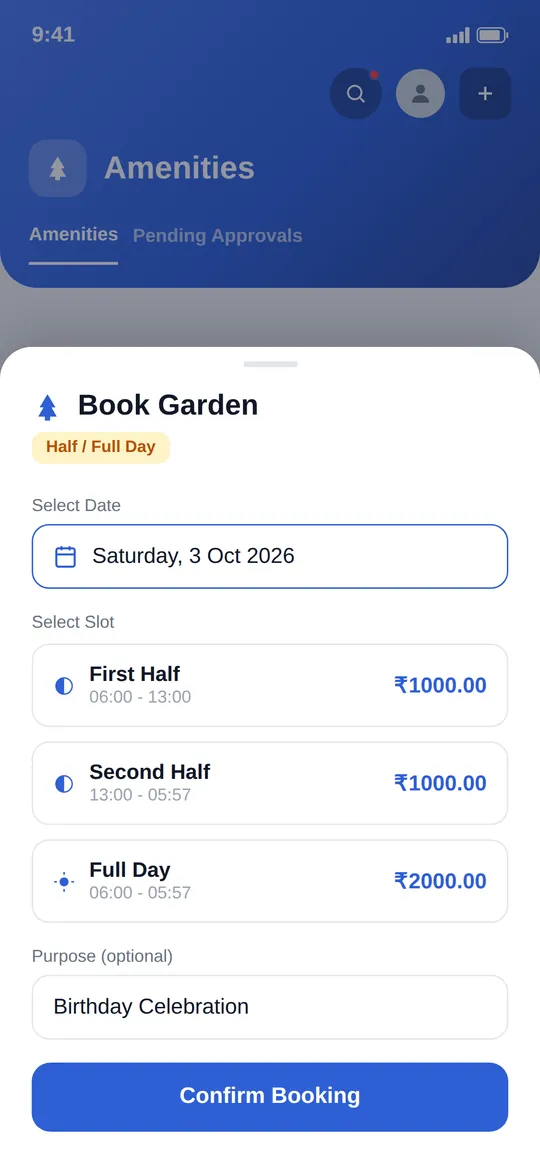
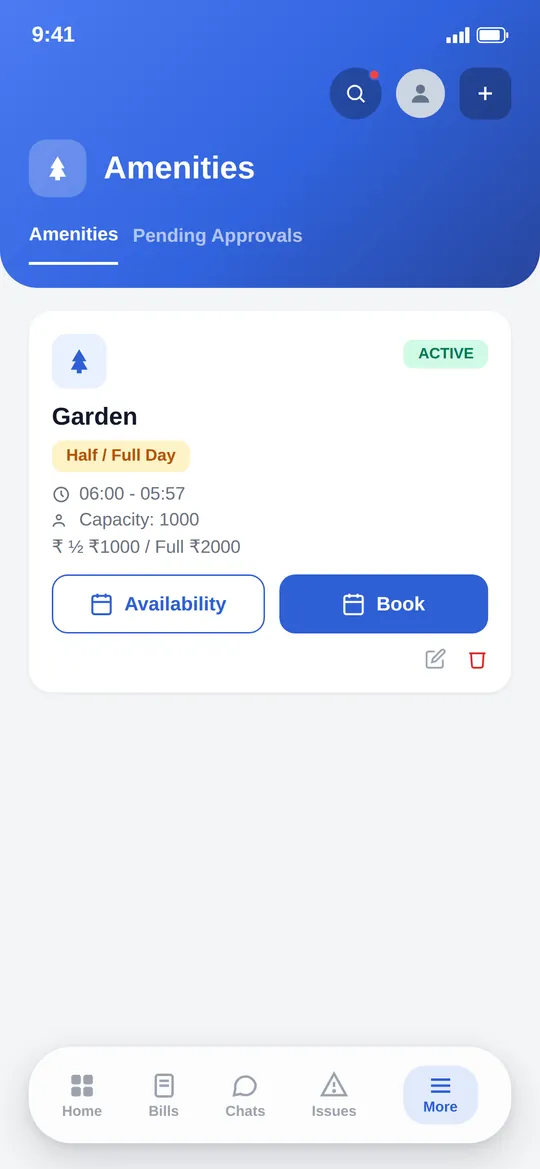
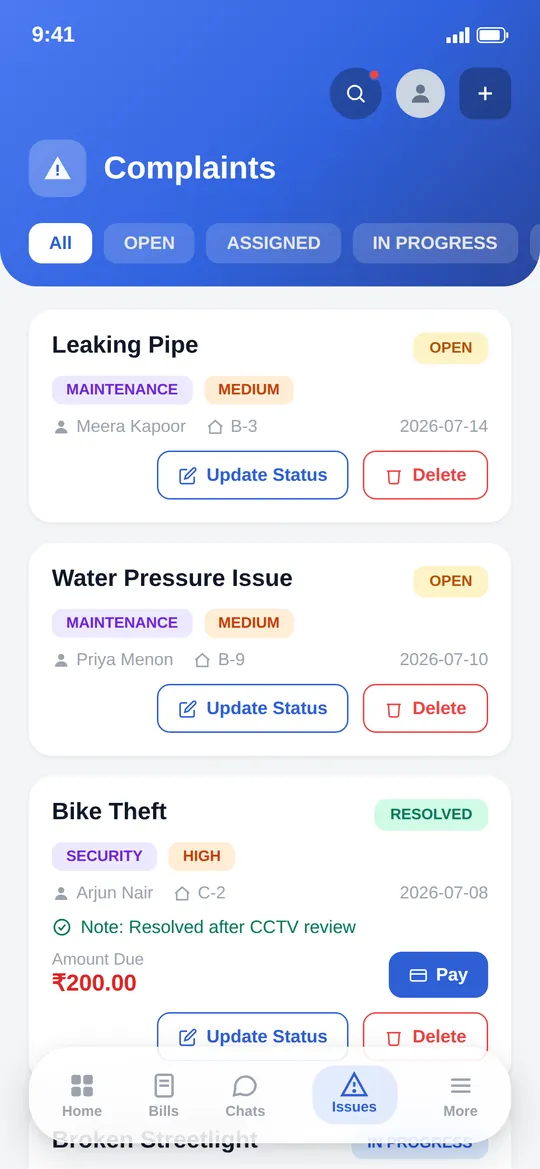
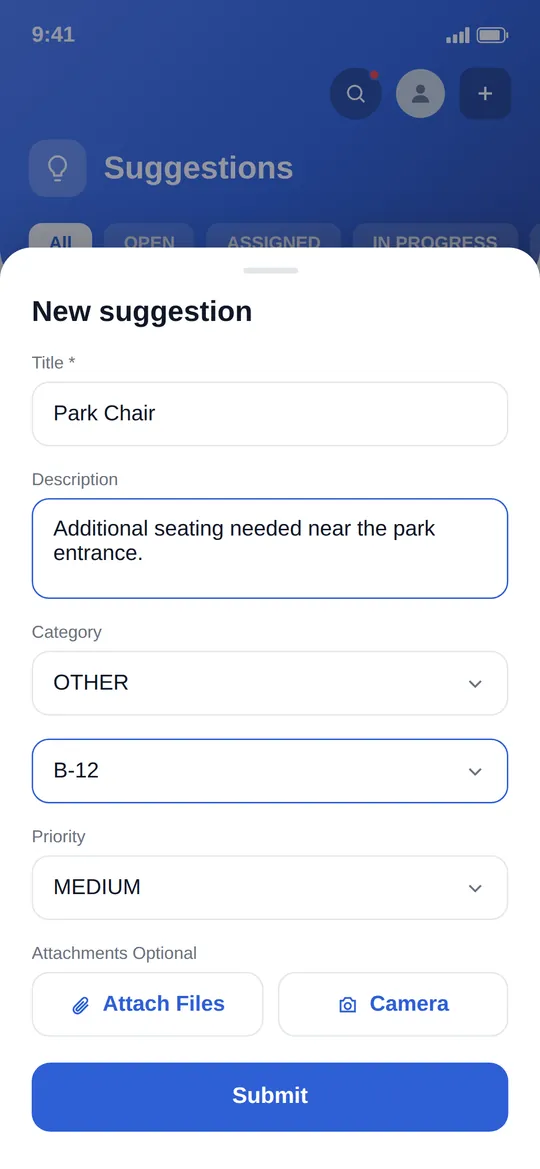
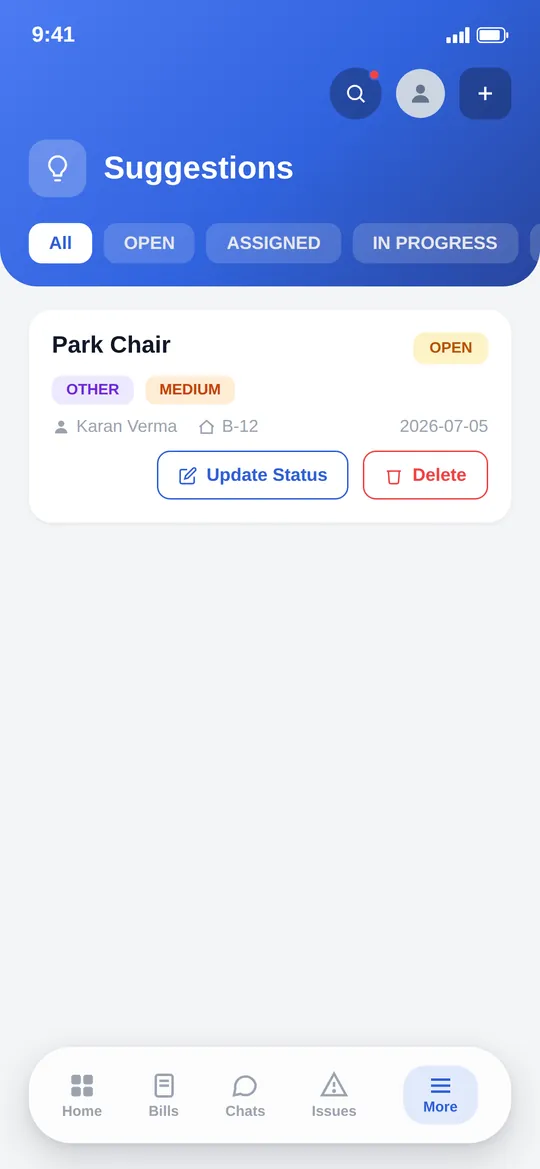
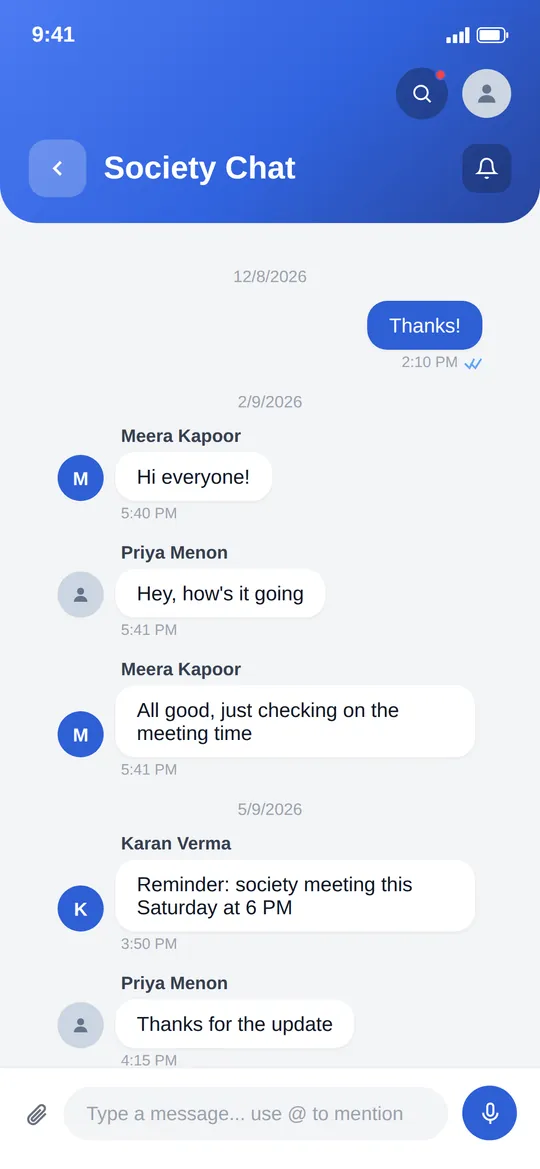
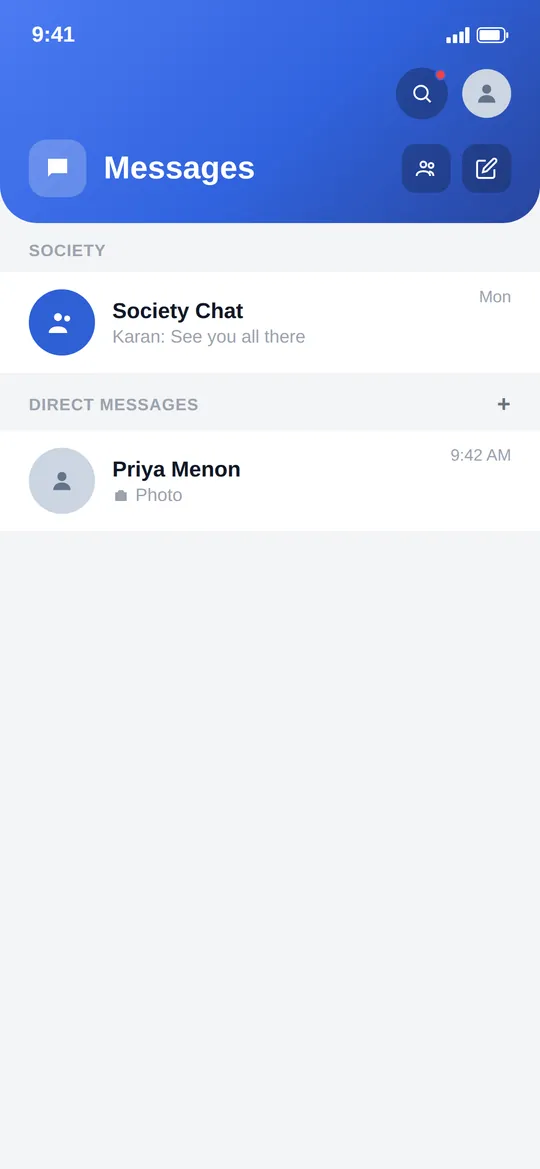
Everything a society actually does, in one app
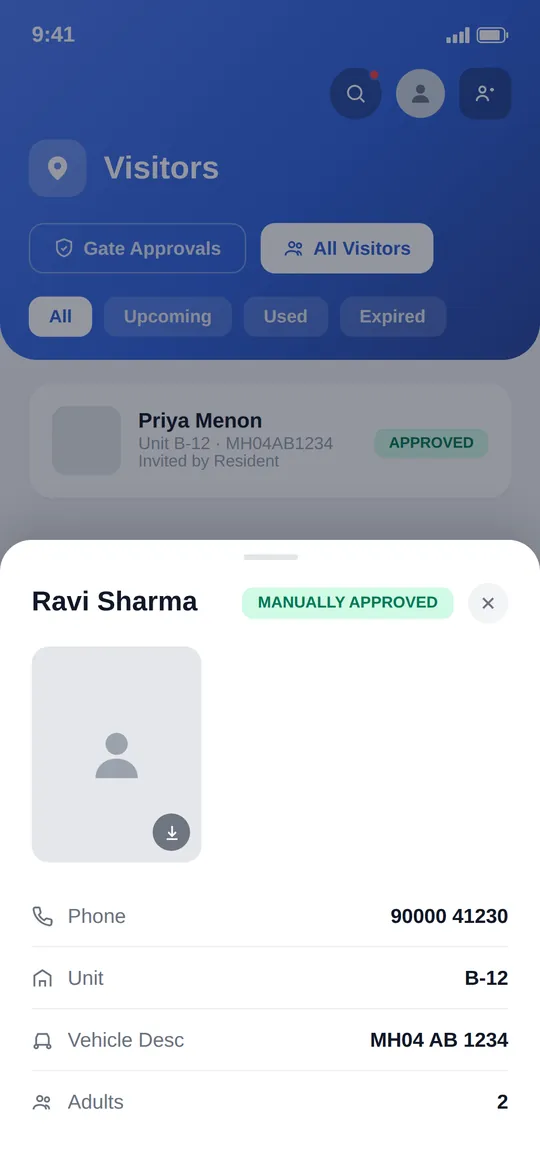
Visitor & gate access
Visitor & gate access
Residents invite. Watchmen verify.
Invite a visitor with a QR-code pass and let the gate take it from there. No more calling down to security to let someone in.
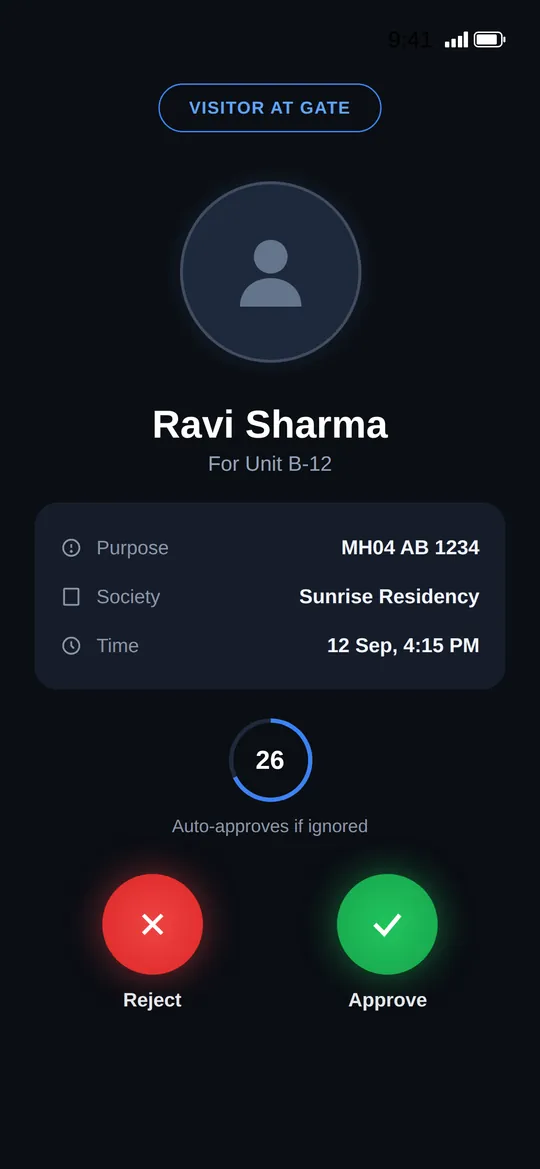
Visitor & gate access
See Nivora at work.
Short films on each part of the app.
Intelligence built into everyday society life
Nivora puts AI to work where it actually helps: answering residents' questions instantly and giving security an extra set of eyes.
AI assistant, in every resident's pocket
Ask a question in plain language, by text or voice, and get an instant answer about your society, your bills, and how things work. No waiting on the office.
AI-powered security recognition
Face and number-plate recognition turns raw camera events into clear, reviewable security alerts, so the committee and security see what matters, not endless footage.
Optional, and off unless your society turns it on. Face data is used only at your society's own entrances, is never sold or used for advertising, and is destroyed when an account is deleted. How recognition data is handled
Built for the moments that matter
An SOS alert that reaches the right people immediately, and a security review flow that's honest about what it actually shows.
SOS EmergencyEmergency alert from Unit A-101. Please respond immediately.
One-tap SOS alert
A resident in an emergency can send an SOS alert that reaches the committee and security with a push notification that deep-links straight to the alert. No hunting for a phone number.
Unregistered vehicle
Gate 1 · 12 Sep, 19:42AcknowledgedUnknown person detected
Gate 2 · 12 Sep, 18:05Acknowledged
Security event review, not a live camera feed
The CCTV/AI integration surfaces security event snapshots for the committee and security to review and acknowledge. It is deliberately not a live video stream. The codebase is explicit about that boundary.
More inside Nivora
The rest of what's real and running, verified from the codebase, not just headline features.
- Staff directory, attendance & payroll
- Delivery tracking that stays up to date automatically
- Domestic help access management
- Live parking status
- AI chat assistant, with voice input
- Society events
- Donations tracking
- Tasks, rules & shared assets
- Reports with PDF export
- Six-language interface (English, Hindi, Gujarati, Marathi, Tamil, Telugu)
From setup to day-to-day, in three steps
Set up your society
An admin creates the society, defines its units, and invites residents and staff to get started.
Assign roles
Every person gets role-based access (committee, residents, or watchmen), with permissions the society itself can configure.
Run day to day in one app
Visitors, bills, notices, complaints, amenities, and everything else happen inside a single Nivora account: one app, all roles.
Real product, real architecture
One app, every role
Committee, residents, and watchmen each get a nav and a set of permissions built for what they actually do, instead of one generic screen stretched across every role.
Your society, kept separate
Every society's residents, bills, visitors, and records stay separate from every other society's. Nothing shared, nothing mixed up between communities.
Configurable per society
Role permissions are set by your society rather than fixed in advance, so who can approve, publish, or manage what is yours to decide.
See Nivora running for your community
Tell us a little about your society and we'll walk you through Nivora, live.